YOUR MAC. YOUR SAVE. YOUR SECURITY SETTINGS.
Keep your Mac security settings. Find your next signing.
You should not have to change macOS security settings to search your Football Manager save. Touchline FM reads a file you choose, inside your browser, instead of attaching to the running game.
No installation · No account · No save-file upload · Security settings stay intact
Desktop browser tool · Beta · Compatibility reviewed 31 October 2026
Your career, with clearer recruitment choices
Find players in your own save
Filter current ability, potential ability, age, position, nationality, club, value, wages and readable contract dates. Search the career you are actually playing.
Scout your backroom team
Search staff and coaches, inspect attributes and compare estimated coaching assignments. Your player search and staff search use the same locally opened career.
Return after the next game save
In compatible Chrome and Edge browsers, connect the original file or autosave folder once. Save in FM, then refresh the search snapshot without locating the file again.
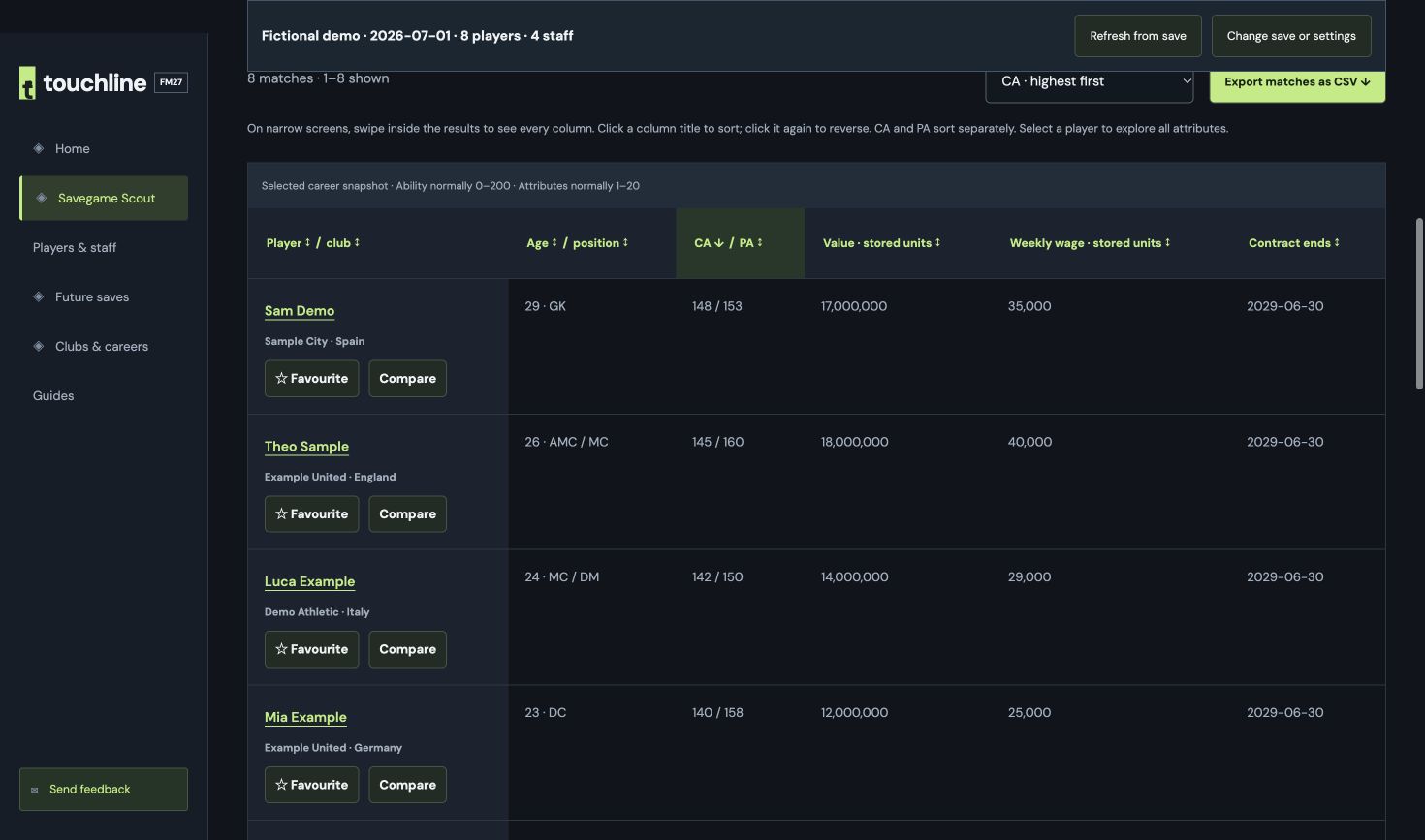
Open your FM27 save on Mac in three steps
- Finish saving your career in Football Manager 2027.
- Open Savegame Scout and choose Open save. Select the original .fm file from your Games folder.
- After the career opens, use the player or staff search. Save in FM again before refreshing to see later changes.
On Mac, the usual local folder is:
~/Library/Application Support/Sports Interactive/Football Manager 27/gamesIn the file chooser or Finder, press ⌘⇧G, paste the folder path and select your save. If you changed your user-data location, use that location instead. No copy to Downloads is needed.
Read a snapshot, then refresh when you are ready
This tool reads completed saves, not live game memory. Reusable file connections and read-only autosave-folder connections are available in compatible desktop Chrome and Edge. Your browser controls file permissions. Optional connection memory and the seven-day decoded-game cache are separate settings, off by default.
What stays on your device?
Your save file, decoded player and staff records, private searches and CSV exports are processed locally. Choosing a file is not the same as uploading it to a website. This page uses ordinary website analytics; the Scout workspace excludes the analytics beacon. The reader software is downloaded when needed.
Check compatibility before opening a career
The reader currently targets FM27 desktop build 27.0.0+2486695 and completed .fm files up to 250 MiB. Console, Touch and Mobile saves are not supported. Reading a large file can take a few minutes and substantial browser memory.
Beta limitation: users have reported player-identity verification errors with some careers. We cannot promise every save will open. If verification fails, no results are imported. Try the fictional demo without selecting a personal file, or report your browser, build and in-game date through Send feedback.